Manage credits
VisualPRD runs on credits. You buy credits once and use them across any project, any time.
How credits work
Each AI generation call consumes credits based on the number of features selected and the quality tier chosen. Credits never expire. There are no subscriptions — you pay for what you use.
Typical costs
| Action | Cost |
|---|---|
| Generate blueprint (5–10 features) | 50–120 credits |
| Generate blueprint (10–20 features) | 120–280 credits |
| Edit / regenerate a flow | 20–60 credits |
| Export build instructions | Free |
Check your balance
Your credit balance is shown in the sidebar. Click Credits in the sidebar to view your history and top up.
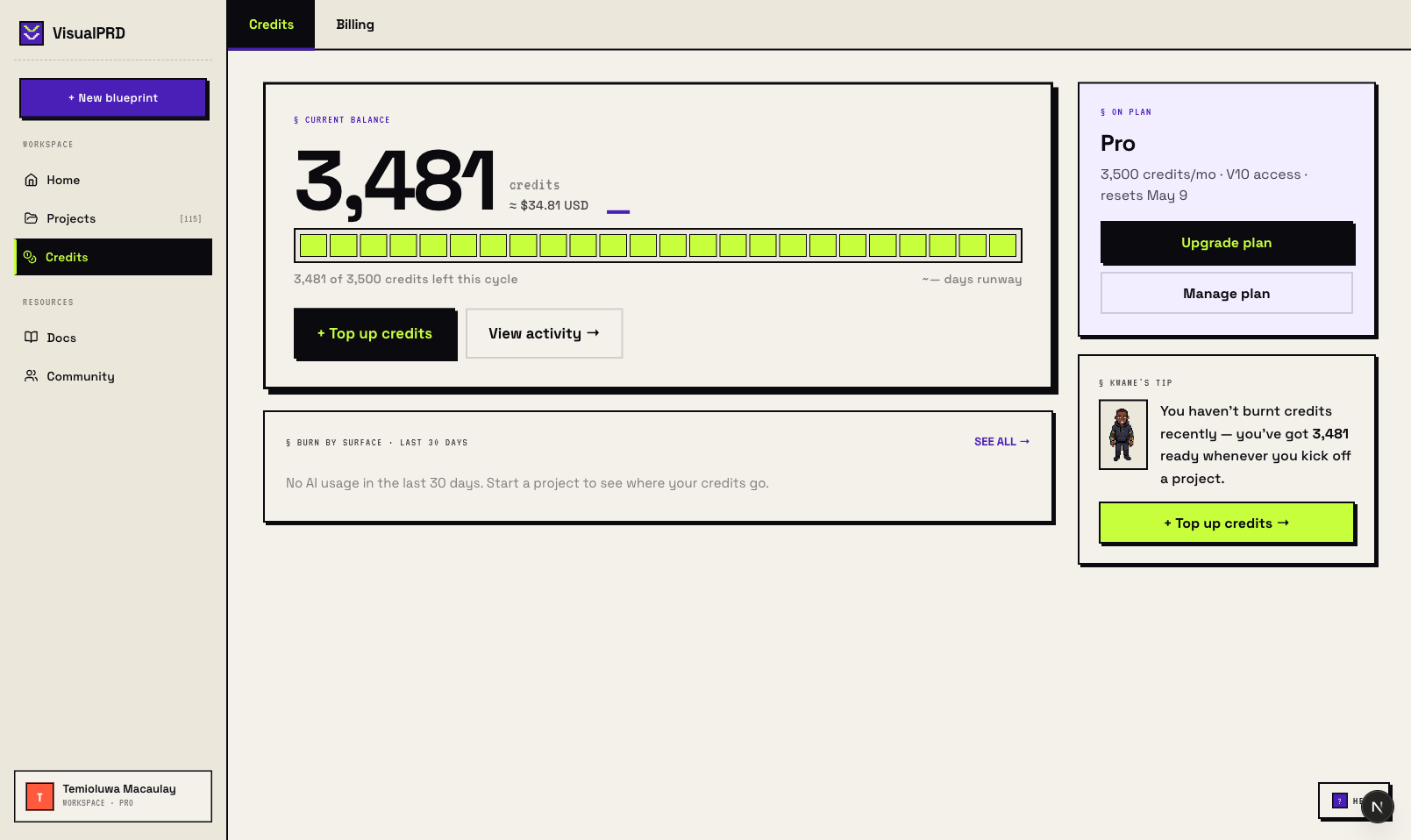
→ TipBefore generating a large project, the interview shows a credit estimate. If your balance is too low, you can top up without leaving the flow.
Top up
Go to Settings → Credits and choose a credit pack. Credits are added to your account immediately.